0
Engineering
Currently in a stretch session

Anonymized, real-time micro-metrics that show how your organization engages with active breaks — without exposing personal data.
Sample metrics below illustrate the type of aggregate data visible on the pulse dashboard. Figures update as teams complete sessions throughout the day.
The pulse feed displays department-level counts and trends. No individual names, health information, or personal identifiers appear on the dashboard.
This approach supports cultural normalization of movement breaks while maintaining employee privacy standards aligned with workplace data policies.

Seeing that colleagues across the building are also taking brief movement breaks reduces the hesitation some employees feel about stepping away from their desks.

The pulse feed is not a performance metric. It is a gentle ambient signal that movement is an accepted, routine part of the workday — similar to how coffee breaks are understood culturally.
Managers can use trend data to adjust scheduling or session types, but the feed itself carries no punitive framing.
Assign departments during onboarding, and the pulse feed begins populating as employees complete sessions through the player or scheduled prompts.
Display the feed on office screens, intranet pages, or team dashboards — wherever a shared cultural signal is most useful.
Get Started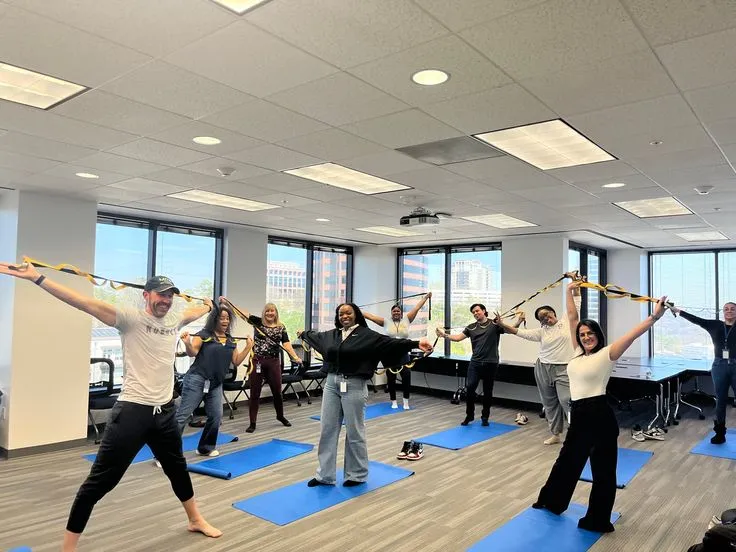
Use the circadian scheduler to prompt sessions at optimal times, then watch participation flow into the live feed.
Open SchedulerWe use cookies to improve site functionality and analyze traffic. By continuing, you agree to our Cookies Policy and Privacy Policy.